Documentation Maintainer Guide
Audience: Maintainers and core contributors who review and merge documentation PRs.
Purpose: Ensure consistent documentation quality and workflow.
Quick Reference
| Task | Command |
|---|---|
| Validate all docs | python scripts/validate_docs.py |
| Check links only | python scripts/check_docs_links.py |
| Full validation (slow) | python scripts/validate_docs.py --full |
| Build docs locally | mkdocs serve (preview at http://localhost:8000) |
| Build for deployment | mkdocs build |
| Lint markdown | markdownlint docs/**/*.md (if installed) |
1. Pre-Merge Checklist for Documentation PRs
Automated Checks (REQUIRED)
Before merging any PR that modifies documentation:
# 1. Run full validation suite
python scripts/validate_docs.py

# Expected output: "🎉 ALL CHECKS PASSED"
If checks fail: - Review the error messages - Request changes from the contributor - Or fix the issues yourself if minor
Manual Review (RECOMMENDED)
-
Test code examples:
# Copy-paste code from the new/modified page # Run in a clean environment python >>> # Paste code here -
Check rendering:
mkdocs serve # Open http://localhost:8000 # Navigate to the new/modified page # Verify: images load, tables render, code highlights -
Mobile rendering:
- Resize browser to mobile width (375px)
-
Check: tables don't overflow, images scale, navigation works
-
Cross-references:
- Click all internal links from the new page
- Verify they point to the correct sections
2. Validation Tools
2.1 validate_docs.py (Comprehensive)
What it does: - Runs markdownlint (if installed) - Checks for broken links and images - Validates MkDocs build - Custom style checks (code block language tags, heading periods)
Usage:
# Standard validation (fast, ~10 seconds)
python scripts/validate_docs.py

# Full validation with anchor checking (slower, ~30 seconds)
python scripts/validate_docs.py --full

# Skip MkDocs build (for quick link checks)
python scripts/validate_docs.py --skip-build
Exit codes:
- 0 = All checks passed
- 1 = Some checks failed
Sample output:
======================================================================
🚀 FoodSpec Documentation Validation Suite
======================================================================
Documentation root: /home/cs/FoodSpec/docs
Full validation: False

======================================================================
🔍 Markdown Linting (markdownlint)
======================================================================
✅ Markdown Linting (markdownlint) - PASSED

======================================================================
🔍 Link Validation (check_docs_links.py)
======================================================================
Checking 150 markdown files...

======================================================================
✅ ALL CHECKS PASSED!
   No broken links or missing images found.
======================================================================
✅ Link Validation (check_docs_links.py) - PASSED

======================================================================
📊 VALIDATION SUMMARY
======================================================================
✅ Markdownlint
✅ Link Validation
✅ MkDocs Build
✅ Style Checks
======================================================================
🎉 ALL CHECKS PASSED (4/4)
Documentation is ready for publication!
======================================================================
2.2 check_docs_links.py (Link Checker)
What it does: - Finds broken internal links (missing .md files) - Finds broken image links (missing .png/.svg files) - (Optional) Validates anchor links (#heading-slug) - Warns about missing alt text on images
Usage:
# Basic link check (fast)
python scripts/check_docs_links.py

# Include anchor validation (slower)
python scripts/check_docs_links.py --check-anchors
Sample output (errors found):
Checking 150 markdown files...

❌ MISSING INTERNAL LINKS (relative to docs/):
   02-tutorials/oil_auth.md -> ../missing_page.md
   workflows/heating.md -> ../nonexistent.md

⚠️  MISSING ALT TEXT (accessibility issue):
   02-tutorials/example.md -> ../assets/pca_scores.png

======================================================================
❌ ERRORS: 2
⚠️  WARNINGS: 1
======================================================================
2.3 markdownlint (Markdown Linter)
Installation:
npm install -g markdownlint-cli
Usage:
# Lint all docs
markdownlint docs/**/*.md --config .markdownlint.json

# Lint specific file
markdownlint docs/02-tutorials/oil_auth.md
Configuration: .markdownlint.json in project root
Common errors:
- MD001 - Heading levels skip (H1 → H3 without H2)
- MD003 - Inconsistent heading style (use # not ===)
- MD004 - Inconsistent list style (use - not *)
- MD025 - Multiple H1 headings (only one per file)
To disable a rule for one line:
<!-- markdownlint-disable MD013 -->
This is a really long line that exceeds 80 characters but that's OK here.
<!-- markdownlint-enable MD013 -->
3. Common Issues & Fixes
Issue 1: Broken link after file rename
Symptom:
❌ MISSING INTERNAL LINKS:
   tutorial.md -> ../old_name.md
Fix: 1. Find all references to the old filename:
grep -r "old_name.md" docs/
Issue 2: Missing image file
Symptom:
❌ MISSING IMAGES:
   tutorial.md -> ../assets/missing_image.png
Fix: 1. Check if image was committed:
git ls-files docs/assets/missing_image.png
Issue 3: MkDocs build fails with "duplicate heading"
Symptom:
WARNING - Doc file contains a link '#section', but there are multiple anchors with that name
Fix:
1. Open the file mentioned in the warning
2. Search for duplicate headings (e.g., two ## Overview sections)
3. Rename one to be unique (e.g., ## Overview and ## Technical Overview)
Issue 4: Code block without language tag
Symptom:
⚠️  Style issues found:
   tutorial.md: Code block(s) without language tag
Fix: 1. Open the file 2. Find code blocks without language:
```python
print("hello")
```
```python
print("hello")
```
4. Deployment Workflow
Local Preview (Before Pushing)
# 1. Validate
python scripts/validate_docs.py

# 2. Preview locally
mkdocs serve
# Open http://localhost:8000

# 3. Check a few key pages:
#    - Homepage (index.md)
#    - New/modified pages
#    - Navigation works
GitHub Actions (Automatic)
On push to main:
1. GitHub Actions runs mkdocs build
2. Deploys to GitHub Pages: https://chandrasekarnarayana.github.io/foodspec/
3. Deployment takes ~2-3 minutes
Check deployment:
# Wait 3 minutes, then visit:
# https://chandrasekarnarayana.github.io/foodspec/

# Or check GitHub Actions status:
# https://github.com/chandrasekarnarayana/foodspec/actions
Rollback (If Deployment Breaks)
If a merged PR breaks the docs site:
-
Quick fix: Revert the commit
git revert <commit-hash> git push origin main -
Identify the issue:
# Checkout the problematic commit
git checkout <commit-hash>

# Run validation
python scripts/validate_docs.py

# Fix the errors, commit, push
5. Adding New Maintainers
Grant Permissions
- GitHub Repository:
- Go to Settings → Collaborators
-
Add user with "Maintain" or "Admin" role
-
Install Tools:
# Python dependencies pip install mkdocs mkdocs-material mkdocstrings # Node.js dependencies (optional) npm install -g markdownlint-cli -
Review Style Guide:
- Read: Documentation Style Guide
- Review: Recent PRs to see examples
6. Monthly Maintenance Tasks
6.1 Link Health Check (Monthly)
Run comprehensive link check:
python scripts/validate_docs.py --full
Fix any issues found: - Update outdated links - Remove links to deprecated pages - Add redirects for moved pages
6.2 Image Optimization (Quarterly)
Check image sizes:
find docs/assets/images -type f -size +500k
Optimize large images:
# Install optimizer
pip install pillow

# Optimize PNGs
for img in docs/assets/images/**/*.png; do
    python -m PIL.Image "$img" --optimize --quality=85 "${img%.png}_optimized.png"
    mv "${img%.png}_optimized.png" "$img"
done
6.3 Update External Links (Quarterly)
Check for broken external links:
# Manual check (no automated tool currently)
# Review docs for external URLs:
grep -r "https://" docs/*.md | grep -v "github.com/chandrasekarnarayana"

# Manually verify each URL is still valid
7. Style Guide Enforcement
New Contributors
When reviewing PRs from new contributors:
- Check for style guide compliance:
- Headings follow hierarchy
- Code blocks have language tags
- Images have alt text
-
Links are relative
-
If issues found:
- Link to style guide: Documentation Style Guide
- Request specific changes (be specific, not just "read the style guide")
-
Example comment: > "Please add language tags to your code blocks (e.g., ```python). See Code Block Rules."
-
For minor issues:
- Fix them yourself in the merge commit
- Leave a comment explaining what you changed and why
8. Troubleshooting Validation Scripts
"ModuleNotFoundError: No module named 'mkdocs'"
Fix:
pip install mkdocs mkdocs-material mkdocstrings
"markdownlint: command not found"
Fix (optional, not required):
npm install -g markdownlint-cli
Or skip markdownlint:
# Validation still works without it
python scripts/validate_docs.py
"Permission denied" when running scripts
Fix:
chmod +x scripts/check_docs_links.py
chmod +x scripts/validate_docs.py
Validation passes locally but fails in CI
Possible causes:
1. Uncommitted files: Did you git add the new images?
git status
git add docs/assets/images/your_image.png
-
Case-sensitive paths: Linux is case-sensitive, macOS/Windows are not
<!-- ❌ Example of bad path (won't work on Linux) - DO NOT USE --> <!-- Example fixed: use lowercase 'assets' --> <!-- 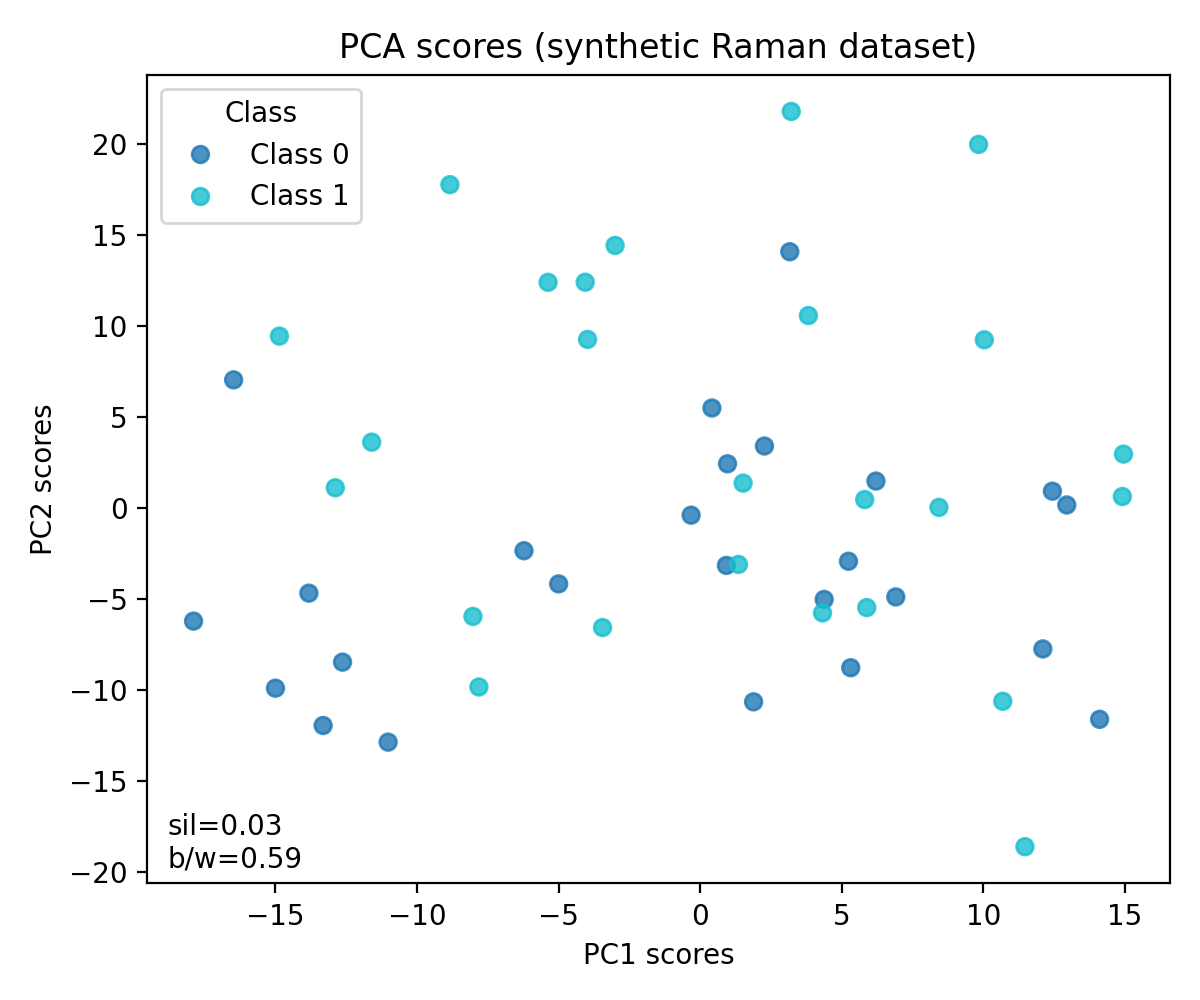 --> <!-- ✅ Correct path (lowercase) -->  -
Line endings (Windows): Use LF, not CRLF
git config core.autocrlf input
9. Figure provenance and regeneration
- All docs figures live in
docs/assets/figuresanddocs/assets/workflows. - Regenerate deterministically from synthetic data (seeded RNG):
python scripts/generate_docs_figures.py - Outputs include:
- docs/assets/figures/architecture_flow.png
- docs/assets/figures/oil_confusion.png, oil_discriminative.png, oil_stability.png, oil_minimal_panel.png, oil_vs_chips_divergence.png, cv_boxplot.png, heating_trend.png, hsi_label_map.png, roi_spectra.png
- docs/assets/workflows/heating_quality_monitoring/heating_ratio_vs_time.png
- After regenerating, run
mkdocs build --strictto confirm zero warnings, then commit updated PNGs.
10. Contact & Escalation
For urgent documentation issues: - Primary maintainer: @chandrasekarnarayana (GitHub) - Backup maintainer: (TBD)
For discussion: - GitHub Discussions: foodspec/discussions
For bugs in validation scripts:
- Open issue: foodspec/issues (label: tooling)
11. Version History
| Version | Date | Changes |
|---|---|---|
| 1.0.0 | 2024-12-28 | Initial maintainer guide with validation tools |
Last updated: December 28, 2024